

Training at the Tap of a Finger with the XF Connect App
Everything you need to reach your goals, all in one place — over 3,000 on-demand classes across 10 categories, free for life when you own XTERRA equipment.


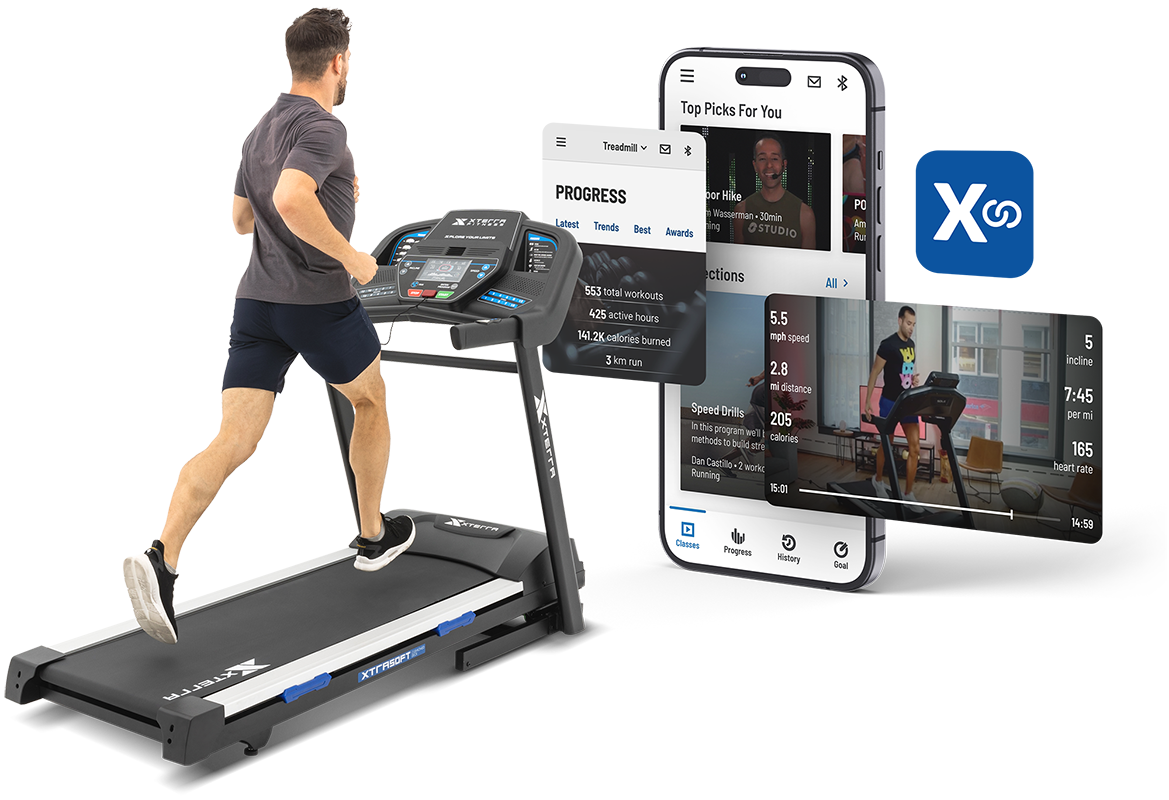
Thousands of Classes to Keep You Motivated
With over 3,000 on-demand classes spanning 10 workout categories, you’ll never run out of reasons to press play. The course library is always growing, with new classes added frequently.
- Treadmill
- Cycling
- Elliptical
- Rowing
- Boxing
- Sculpt
- Yoga
- Stretching
- Meditation
- Full Sweat
Smart Training Made Simple
In-app features designed with the individual in mind. Sort by trainer, category, intensity and duration. Track your progress, review trends and set goals — every class is on demand, so you can train wherever you are.
Meet Your New Favorite Personal Trainer
The perks of personal training without the price tag. We’ve scouted the world’s best instructors so you don’t have to — with classes for every skill level, your workouts will take you to the next level.
Get Moving with Your XF Connect Membership
Free*XTERRA equipment owners$0for life
Lifetime access to every XF Connect class, trainer and playlist when you own XTERRA equipment. Activate once with your product serial number — no renewal, no credit card.
Register your productNot an XTERRA owner?$9.99/mo
or $99/year (save $20). Total access to all classes, trainers and playlists — no XTERRA machine required. Cancel any time; iOS and Android.
Download the XF Connect app*Equipment serial number required to activate the lifetime membership (mats, lubricant and accessories excluded). XF Connect is optional — every machine works fully from its console.
Experience Connected Fitness from the Comfort of Home
XTERRA machines with built-in Bluetooth connect to your phone, tablet or smartwatch — track workouts, attend classes and train on virtual courses in the apps you already use.
Works with the Apps You Already Use
Connect, track and train across XF Connect and supported third-party services.
- XF Connect
- Kinomap
- Zwift
- Garmin Connect
- Apple Health
- Google Fit
- Fitbit
- MapMyFitness
Built-in Bluetooth per xterrafitness.com/connectivity. Tablet and third-party subscriptions not included. All trademarks are property of their respective owners, used for identification only, and do not imply endorsement. Connectivity requires a Bluetooth FTMS or Bluetooth heart-rate connection — not available on all XTERRA products; see each product page.
Download → Pair → Enter Serial → Train
- 1
Download
XF Connect on the App Store or Google Play, then create your account.
- 2
Pair
Log in, tap the Bluetooth icon in the top-right corner and stand within 5 feet of your machine. Once paired, it’s saved under “My Devices”.
- 3
Enter Serial
Unlocks the lifetime membership for XTERRA equipment owners — the number is on the frame near the power cord.
- 4
Train
Classes, playlists and progress tracking. For safety, XF Connect never controls the speed of your machine.
Frequently Asked Questions
Can I use XF Connect even if my machine doesn’t have Bluetooth?
Yes. You can use the XF Connect app to follow along with thousands of on-demand workout classes or listen to motivating playlists — no Bluetooth required. Note: the app cannot track workout progress without a Bluetooth connection.
Which XTERRA models have built-in Bluetooth that can pair with XF Connect?
The models listed under “Experience connected fitness” above include built-in Bluetooth and pair directly with the XF Connect app. Older models such as the TRX5500, TRX4500, TRX3500, TR260 and SB4500 also pair.
Do I need a credit card to activate my XF Connect membership?
If you purchase an XTERRA product (treadmill, bike, elliptical, rower, stepper or strength item), your XF Connect membership is free for life — all you need is your product serial number. Without an XTERRA product, membership is $9.99 per month, billed after you download the app and create an account.
How do I set up my XF Connect account?
Download the app from the App Store or Google Play and follow the prompts to create an account. To activate the free membership with a qualifying purchase, have your product serial number on hand — once it’s added, classes, playlists and more are available right away.
How do I connect my equipment with XF Connect?
Log in to the app, tap the Bluetooth icon in the upper-right corner and stand within 5 feet of your machine. The app searches for nearby Bluetooth-enabled machines; when yours is found, pair it and it will be saved in the “My Devices” list for next time.
Does XF Connect control the speed of my machine?
No. For safety and security reasons, XF Connect does not control the speed of your machine.
How many users can share an XF Connect membership?
You can share your membership with up to 3 additional users across multiple devices. Each user has their own profile and login to store data, favorite workouts and progress.
Which Bluetooth heart-rate devices work with XTERRA equipment?
XTERRA machines are compatible with Bluetooth and/or 5 kHz heart-rate transmitters, depending on the model — see each product page for details.